Is Your Computer Dying? 8 Warning Signs You Should Not Ignore
Most computers give plenty of notice before they quit, if you know what to look for.
October 16, 2026 · 4 min read
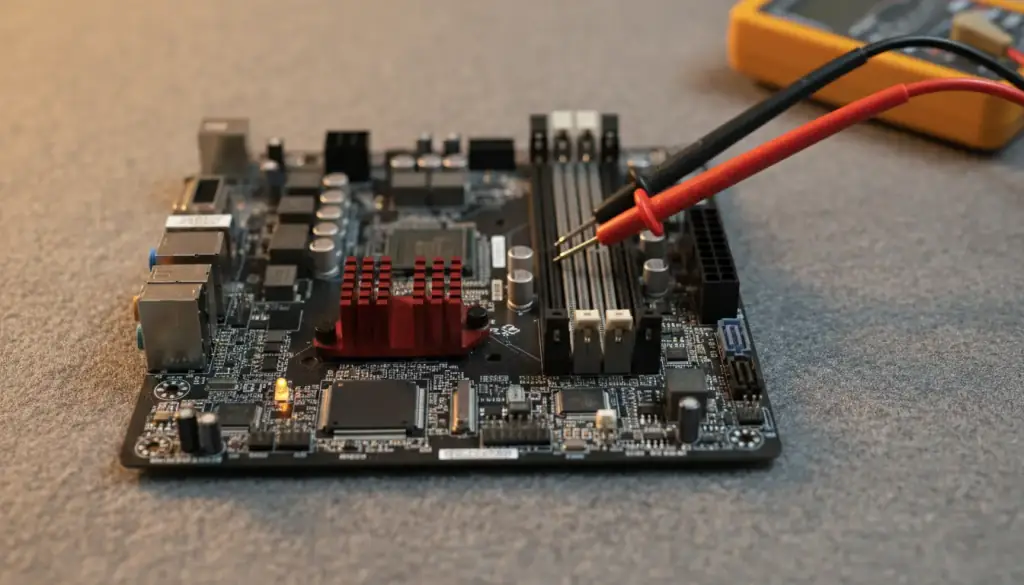
Computers rarely die without warning. More often they drop hints for weeks or months: a little slower here, an odd sound there. Because the changes are gradual, it's easy to get used to them and keep going. The trouble is that the hints usually mean something is wearing out, and the sooner you act, the more options you have.
Here are eight signs worth taking seriously, followed by the one thing you should do before anything else.
Signs 1 to 3: the machine feels wrong
The first group is about how the computer behaves day to day. These are the signs most people notice first and explain away.
- Sign 1, it's much slower than it used to be. Every computer slows a little over time, but a sudden or steady drop in speed is different. Programs that opened in seconds now take minutes, or the whole machine pauses for no clear reason. Causes range from a tired drive to malware to a lack of memory.
- Sign 2, it freezes or locks up. An occasional hiccup happens to everyone. A computer that freezes several times a week, or needs a hard power-off to recover, is telling you something is unstable.
- Sign 3, it crashes or restarts on its own. Blue screens, sudden restarts, and programs that close without warning point to problems with drivers, memory, heat, or the drive itself.
Signs 4 and 5: the machine sounds or feels different
Your ears and hands can catch problems before software does. Pay attention when a quiet machine gets loud or a cool one gets hot.
- Sign 4, strange noises. Clicking or grinding from inside a desktop or laptop often comes from a hard drive that's struggling, and that's one of the more urgent sounds to hear. A fan that suddenly screams, rattles, or squeaks is asking for attention too, because a fan that's failing can let the machine overheat.
- Sign 5, it runs hot. If the case or keyboard is uncomfortably warm, or the fans spin loudly during simple tasks, heat is building up. Dust, dried thermal paste, or a failing fan are common reasons, and sustained heat shortens the life of everything inside.
Signs 6 to 8: your data starts acting up
The last group is the most serious, because it can mean your files are at risk, not just your convenience.
- Sign 6, files go missing or won't open. Documents that vanish, photos that show up corrupted, or folders that suddenly take forever to open can point to a failing drive.
- Sign 7, it takes forever to start or won't start at all. Long boot times, repeated repair screens, or a machine that stops partway through startup deserve a closer look. Do not keep forcing it to restart again and again.
- Sign 8, error messages keep appearing. Warnings about disk errors, missing system files, or failed updates that repeat after every restart are rarely random. They're the computer reporting a real fault.
Back up first, before anything else
If you see any of these signs, the most useful thing you can do is copy your important files somewhere else right away. Use an external drive, a USB stick, or a cloud storage account you already trust. Start with what you couldn't replace: family photos, tax records, work documents, and anything tied to your business.
Why now? A struggling drive can fail completely with little notice, and every hour of heavy use makes that more likely. Copying files is gentler than running big scans or installing a pile of programs. If you hear clicking or grinding, copy only the essentials and then stop using the machine until it's been looked at. A drive in that state is not something to push.
What to do after the backup
Once your files are safe, you can think about the machine itself. A proper diagnosis will separate the cheap, fixable problems from the serious ones. A slow computer might need nothing more than a cleanup, more memory, or a faster drive. A noisy fan can be replaced. A hot machine may only need its dust cleared out and fresh thermal paste.
What you don't want to do is wait. Warning signs tend to get worse, and a repair that would have been simple on Monday can turn into data recovery by Friday.
If your computer is showing any of these signs, Computer Paramedics offers Computer Diagnostics & Troubleshooting to find the real cause and explain it, along with the repair options, before any work starts. Call or text Ken at (623) 888-9993, seven days a week from 9am to 6pm, and he can look at it on site or in the shop.
Computer Paramedics, (623) 888-9993
Call (623) 888-9993More articles
Repair or Replace? How to Decide If Your Computer Is Worth Fixing
Age is a poor way to judge a computer; the problem in front of you tells you far more.
Do Not Turn Off Your Computer: What to Do When a Windows Update Fails
That warning screen can feel like a trap, but a few calm steps usually keep a bad situation from getting worse.