Gilbert, AZ
(623) 888-9993

Every repair starts at the same bench in Gilbert

Four repairs, one technician, the cause before the cost

Whatever the machine is doing, the first step is the same: find out why. Ken evaluates the system, explains the root cause in plain language, and tells you what the repair will cost before any work begins. Then he fixes it, or tells you honestly when a new machine makes more sense than the old one.

Not sure which repair you need? Describe the symptom to (623) 888-9993 and it gets sorted into the right one.

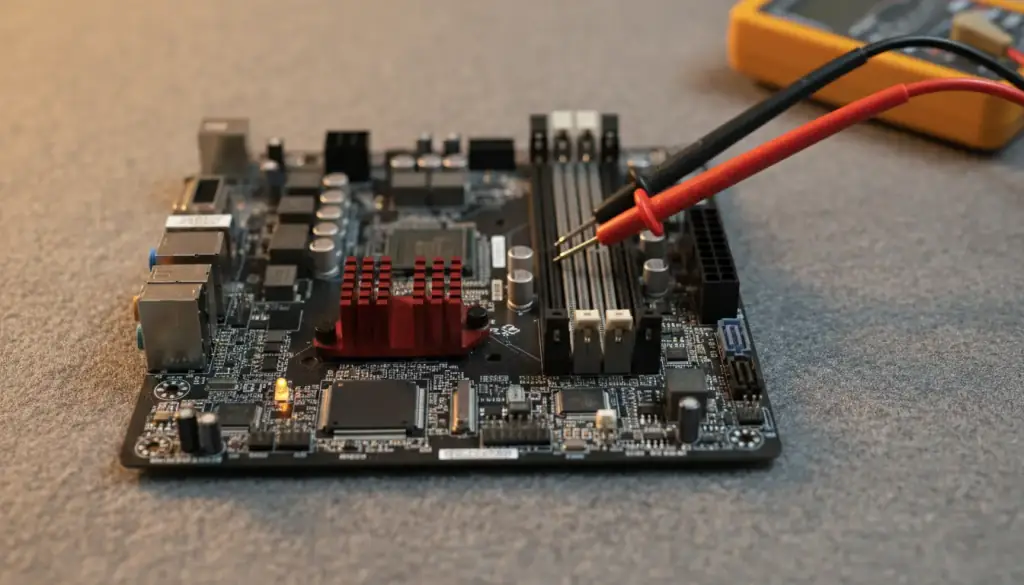
Desktop motherboard on an anti-static mat with multimeter probes on a power connector

Blue screen, freezing, won't boot

Computer Diagnostics & Troubleshooting

Stop guessing what is causing system freezes, blue screens or boot failures. Thorough hardware and software diagnostics isolate the exact issue, then you get clear, honest repair options.

Crash dumps and system logs are read to find the corrupt driver, damaged registry entry or failing part behind a blue screen. Power supplies and cooling are stress-tested when a machine shuts down on its own.

How diagnostics works
Silver laptop open on a dark desk at night beside a notepad and a mug

Pop-ups, fake alerts, locked screen

Virus & Malware Removal

Deep system scans remove viruses, ransomware, adware and trojans while your personal files, photos and records stay where they are, then security settings are hardened so it does not come back.

Fake antivirus alerts and locked screens are bypassed, and the Zero Data Wiping Guarantee means your files, photos and records stay put.

Virus and malware removal

Slow, dead battery, noisy fan

Hardware Repair & Upgrades

Extend the life and speed of a laptop or desktop without buying a new one: SSD conversions that keep every file and program, memory expansions, power supply fixes and part replacements.

An SSD migration clones your current setup over, so the programs and settings you know are all still there.

Upgrades and repairs
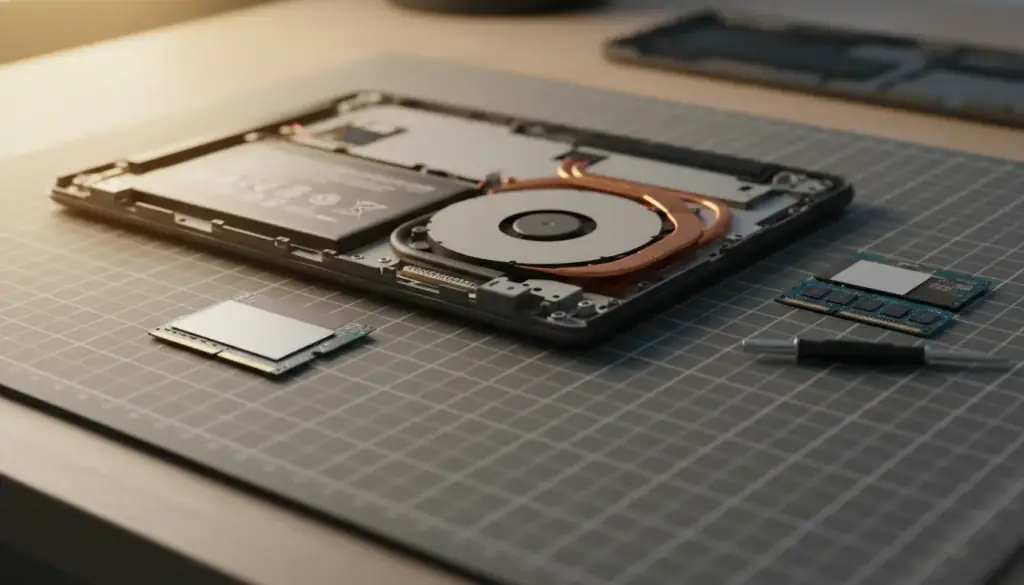
Laptop with its bottom cover off beside a new solid-state drive and two memory modules
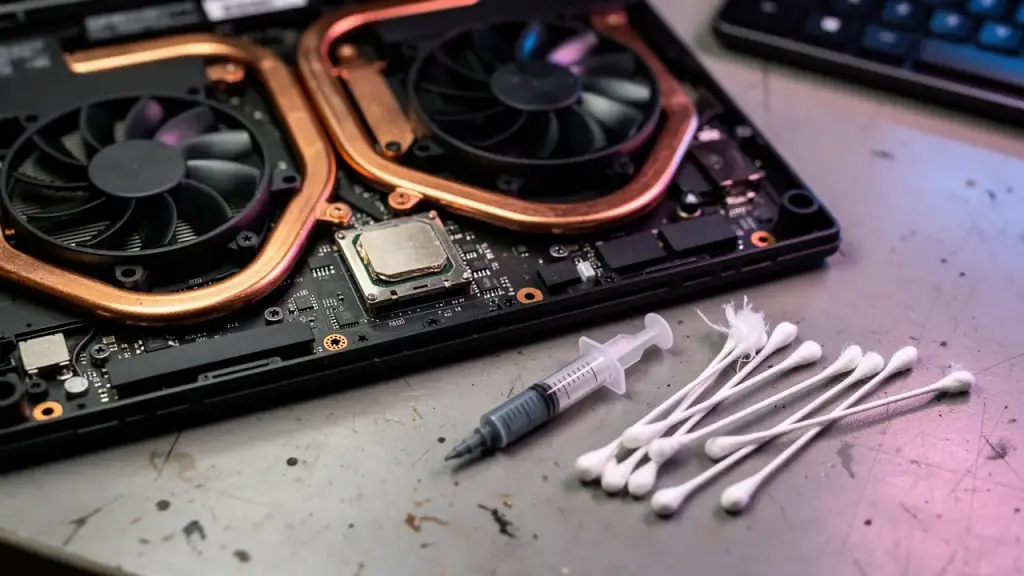
Gaming laptop opened from underneath with copper heat pipes, twin fans and thermal paste

Overheating, crashes mid-game

Gaming PC & Laptop Support

Higher frame rates and no more mid-game crashes: thermal re-pasting, airflow and liquid-cooler work, display driver optimisation and custom hardware upgrades for gaming desktops and laptops.

Processors are re-pasted, case airflow is tuned and liquid coolers are repaired, with GPU, CPU and power supply upgrades when the games ask for more.

Gaming rigs and laptops

From the first call to pickup

How a repair runs, beat by beat

No call center, no waiting list, no bill that appears after the fact. The same person takes your call, finds the cause and does the work. If you want the story from a customer, read what Gilbert customers say.

  1. Call or text

    Send the make, model and what the machine is doing. You reach the technician who does the repair, not a call center.

  2. Evaluate and explain

    The system is checked first, and the root cause is explained in plain language before anything is touched.

  3. Cost before any work

    A clear breakdown of the repair cost comes before any work begins. No surprise fees, no upsells.

  4. Repair and pickup

    The repair happens on the bench, and customers say he calls with updates. You pick it up when it runs.

On-site or drop-off

He comes to you, or you come to the bench

On-site visits cover a 30-mile radius around Gilbert, at your home or office. Prefer to drop it off? Bring the machine to 1060 S Pueblo St, Gilbert, AZ 85233, where it gets full bench testing. Open 7 days, 9am-6pm.